Partners


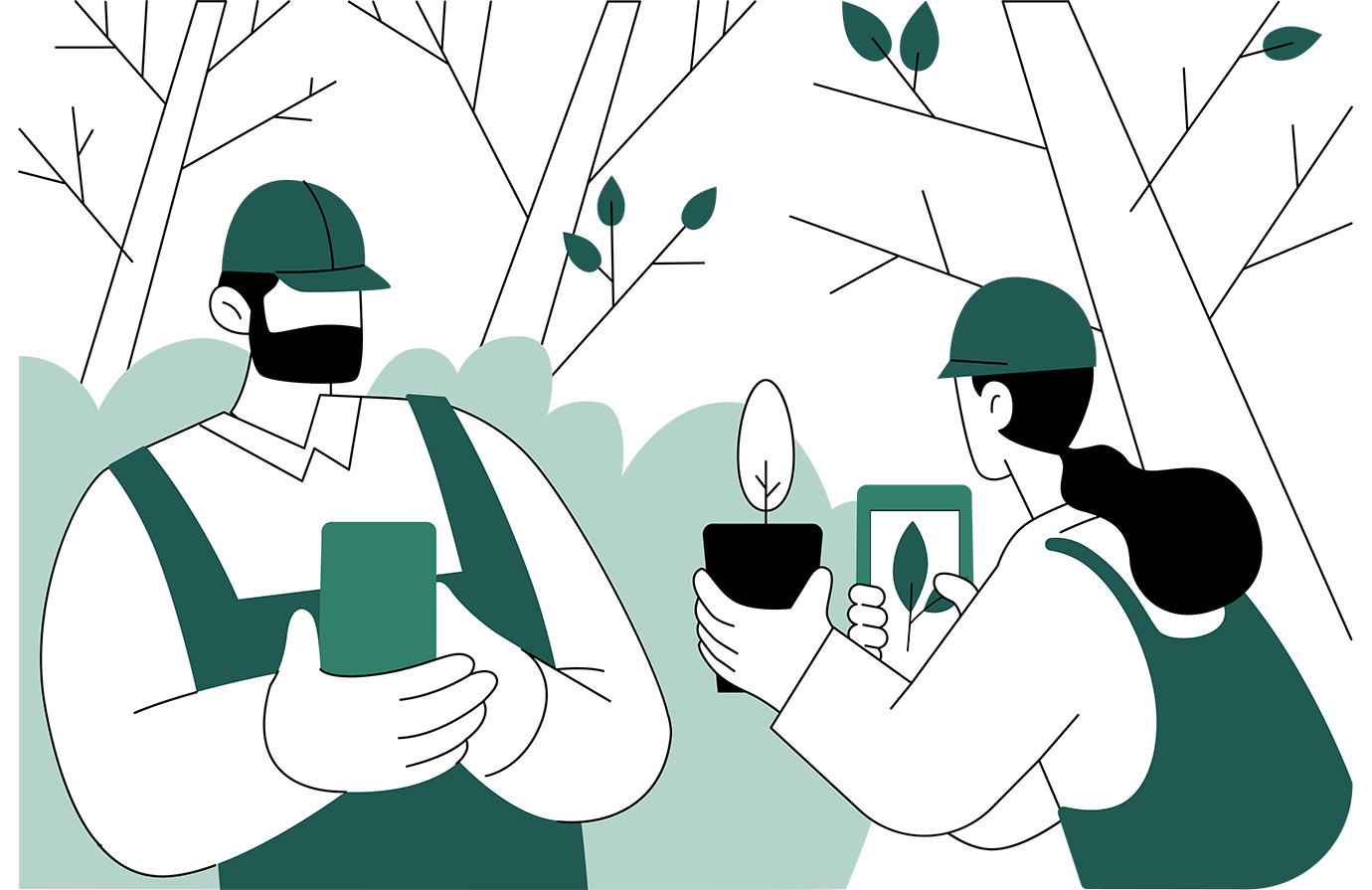
Master field data collection with the Open Foris Arena Mobile app. This course walks you through device setup, offline configuration, and survey management, guiding you from first login to accurate data entry — including GPS coordinates, geotagged photos, and real-time validation — and seamless synchronization with Open Foris Arena.




Individuals who would especially benefit from taking this course include:
This course runs on the latest versions of the major browsers, such as Google Chrome, Microsoft Edge, Mozilla Firefox and Apple Safari.
The course opens in a separate popup window. If this does not happen, a popup blocker in the browser is probably preventing it from opening and you will need to disable popup blockers for this site. Please read the following instructions on how to do this.
We would be pleased to receive your evaluation of this course, to support us in improving future e-learning courses. Please click on the button below to answer the questions in the form. It should only take you a few minutes!